AI chatbot for business. Make every enquiry count.
Answer questions from your approved business knowledge, capture lead details, and manage enquiries across your website and WhatsApp with VSCRM AI.
VSCRM AI Assistant
Here to help
Visitor
We get a lot of questions on our website. Can you help?
VSCRM AI
Absolutely! I can answer using your approved website pages, FAQs and business documents.
Can my team reply to customers too?
Yes! Your team can review chats and reply manually whenever needed.
Your approved business knowledge
Website pages, PDFs, FAQs and documents
Your customer channels
Website assistant and WhatsApp workflows
Your team stays involved
Conversation workspace and manual replies
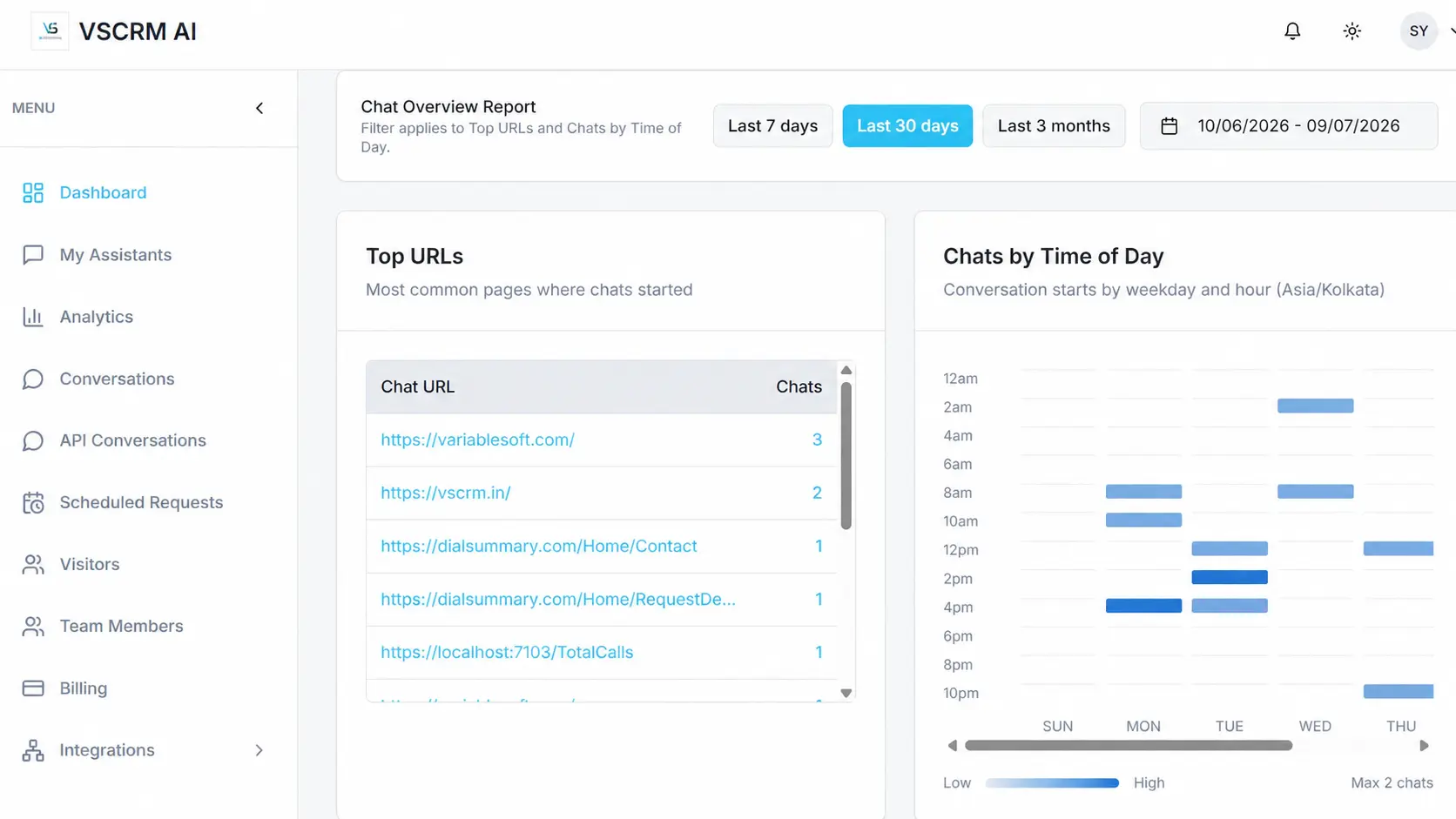
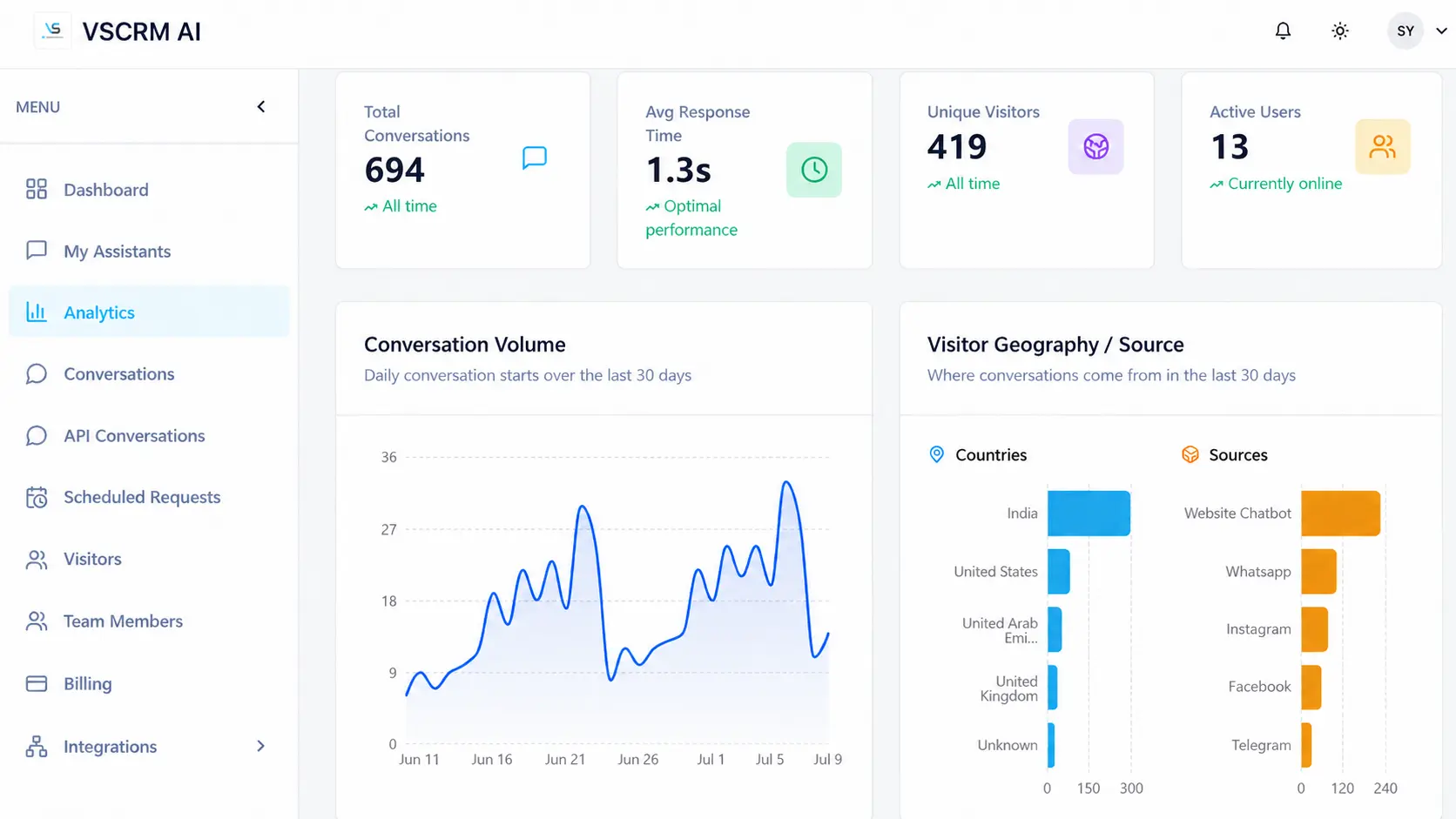
See the conversations behind the chatbot.
The real VSCRM AI workspace helps your team review conversation activity, visitor context and useful insights. Explore the product in a personalized demo.
Good answers are only the beginning.
Help customers find information, collect useful details, and give your team the context to respond.
Answers based on the content you choose.
Give your assistant approved business information so visitors can ask questions about your services, policies and products.
Website pages, PDFs and FAQs
Pricing, policies and other approved documents
Reusable answer-quality testing where configured
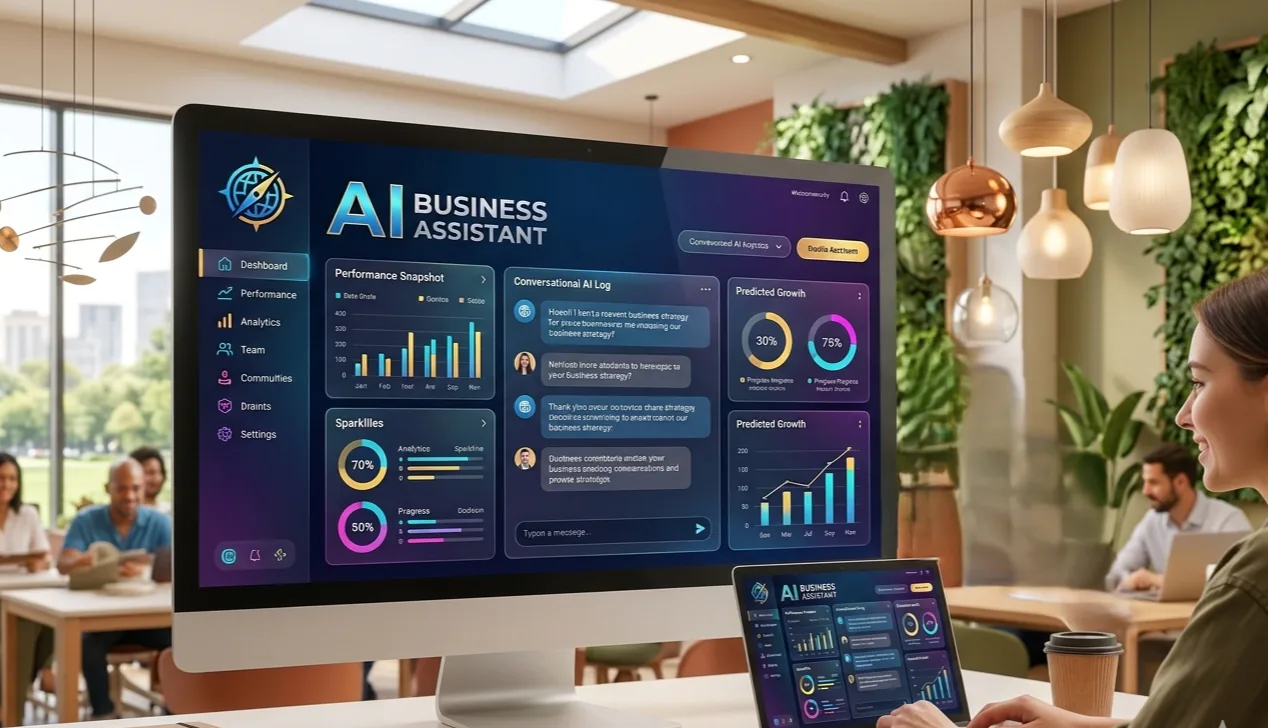
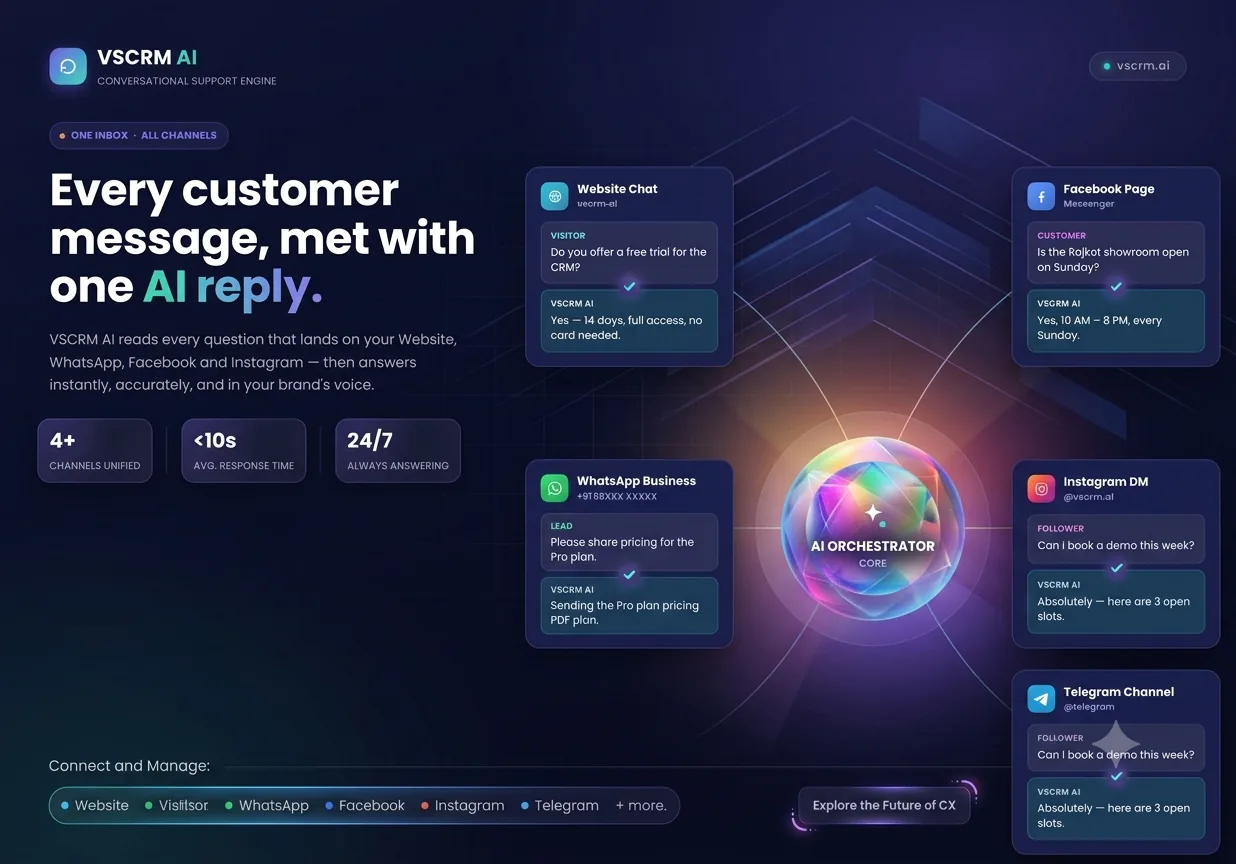
Be available where customers reach you.
Use a website assistant or supported WhatsApp Business workflows, and capture enquiry details along the way.
Website chatbot embedding
WhatsApp Business workflows, based on configuration
Lead questions for contact details and requirements
Your team can take part in the conversation.
Review chats in your workspace and send manual responses when a customer needs personal attention.
Conversation review and activity insights
Manual replies from team members
Workspace roles and permissions
Credit top-ups for AI responses.
VSCRM AI uses credit top-ups for automated AI responses. There are no monthly or yearly subscription plans, and no credit card is required to get started.
From business knowledge to useful conversations.
A practical path from setup to customer enquiries—without making your team change the way it works.
Add your business knowledge
Choose the pages, FAQs and documents your assistant can reference.
Set up your assistant
Configure your website chatbot or a supported WhatsApp workflow.
Capture and review enquiries
Collect useful customer information and reply from your workspace.
See it in action
See how VSCRM AI fits your business.
We'll walk you through the features that matter for your team.
Everything you need to know before a demo.
Straight answers about what VSCRM AI does, how your team can use it and how credits work.
Ready to see VSCRM AI in action?
Tell us a little about your business. We'll show you how the assistant, knowledge setup and lead capture could work for your team.
Website and WhatsApp workflow options
Business knowledge and enquiry capture
Workspace review and manual replies
We'll use the details you share to follow up about your demo request.